Most software sites list features alphabetically, which tells you nothing about whether it fits how you work. This one follows a countertop job from the first phone call to the review that brings the next one.
The homeowner calls, you go measure, and they want a number. Everything that happens before the deposit clears.
Draw the countertop at the customer's kitchen table and hand them a priced PDF before you leave.
ProductMeasure a kitchen with an iPhone and turn it straight into a drawing. No trip back to the shop to redraw it.
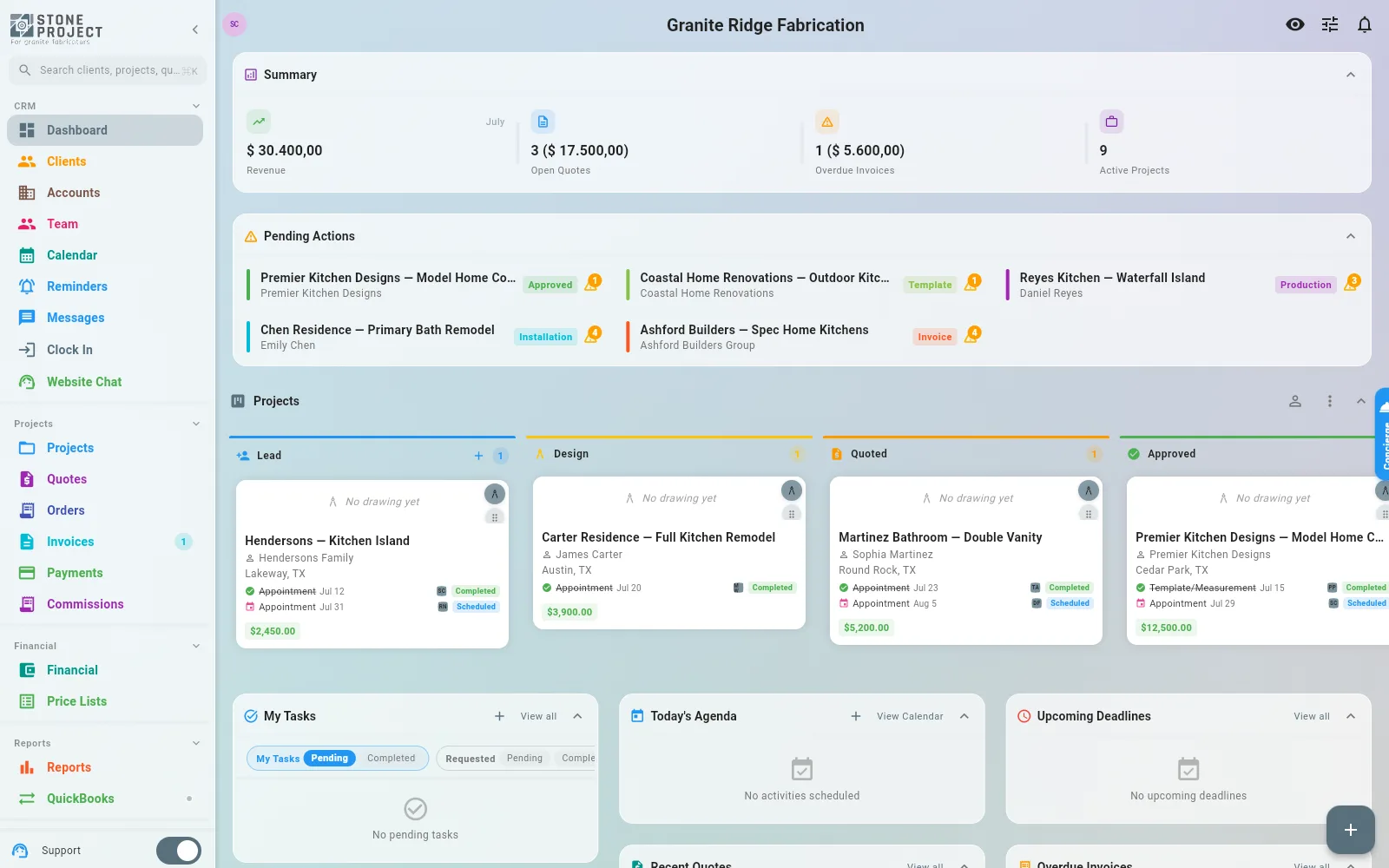
ProductEvery job on one board, from lead to installed, so nothing sits waiting on someone who forgot.
ProblemThe shop that answers first usually wins. Where the days actually go, and how to cut them.
ProblemWhen the number depends on who quoted it, margin leaks quietly. Build a price book instead.
ProblemMost lost jobs were never told no. They were just never followed up on.
Buying the slab, knowing what is already in the yard, and finding it again when the job is ready to cut.
Requisition, approval, PO, receiving. The slabs land in inventory on their own and the bill is already recorded.
ProductDesign the tag, print it, scan it. Stop walking the yard looking for a remnant you know you own.
ProblemOffcuts are paid-for inventory sitting in the yard. List them and let them sell themselves.
Templaters, fabricators and install crews, all needing to know where to be tomorrow without three phone calls.
One calendar for template, fabrication and install, with the day's route already sorted.
ProductCrews punch in from the job site with a photo and location. Payroll stops being a Friday guessing game.
ProductMove a job to the next stage and the emails, tasks and appointments fire on their own.
ProblemWhen the schedule lives in someone's head, one sick day stalls the whole week.
ProblemDouble-booked installers and a templater driving across town twice in one morning.
ProblemNew construction rarely has service. Measure and quote anyway, sync when you are back in range.
Deposits before fabrication, the balance at install, and books that match without typing everything twice.
The job is installed. What you do in the following week decides whether it brings you another.
Built from the materials, photos and reviews you already entered, and kept current on its own.
ProductAsk automatically once the job is done, approve before anything goes public, and reply in one place.
ProblemGood work with no proof of it. A request that sends itself fixes most of the gap.
ProblemCustomers call because they cannot see anything. Give them a page instead of your cell number.
The usual reason shops stay on software they dislike is the migration, not the software. Clients, quotes with their drawings, and the calendar can come across, including from screenshots when there is no clean export.
Importing your dataStart with the free plan and put a real quote through it. No credit card, and the marketplace listing is yours to keep either way.